AI WORKSPACE
Build a New App Feature With Claude Code
Learn AI-powered terminal coding by building a real feature in a music app - no experience required
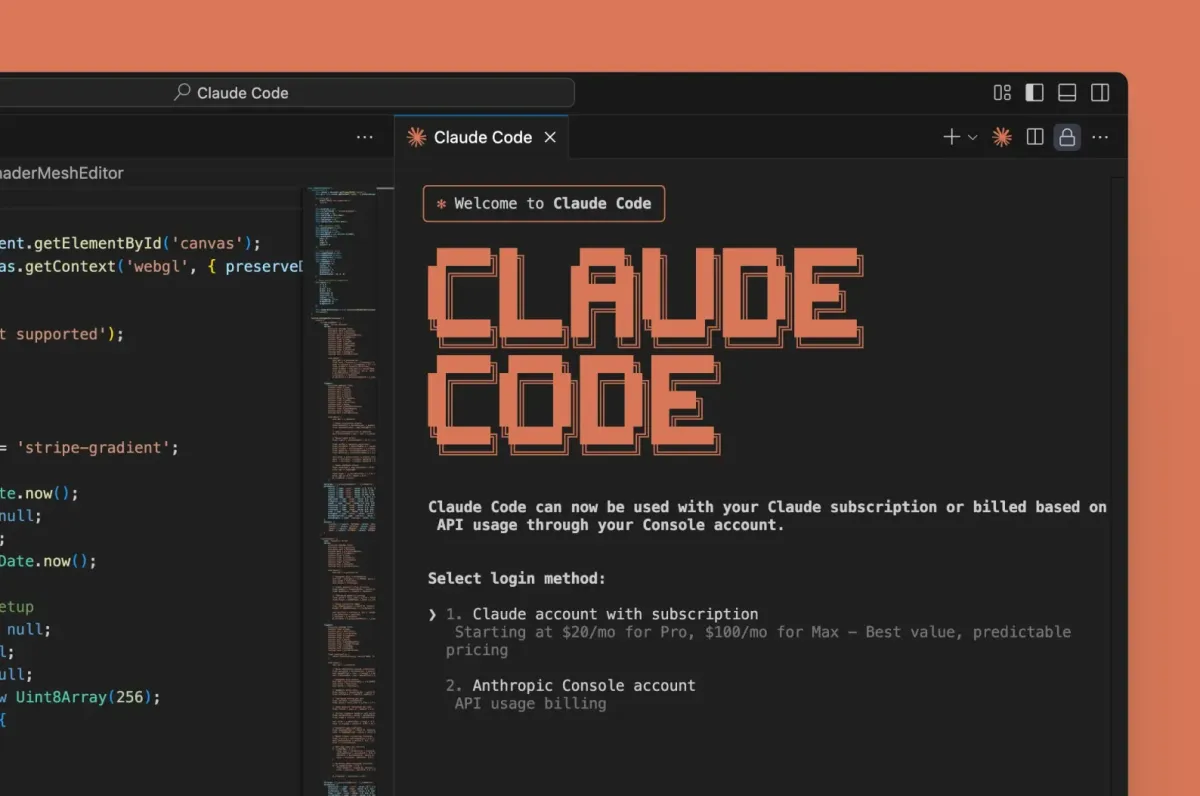

Learn AI-powered terminal coding by building a real feature in a music app - no experience required
Difficulty
Beginner
Time to complete
90 minutes
Availability
Free
BUILD
Step-by-step guide to using Claude Code CLI. Build a working share feature in 90 minutes while learning how to code with AI assistance directly in your terminal.
Install Claude Code CLI, authenticate with Anthropic, and configure your IDE terminal.
Use /init to generate CLAUDE.md memory file and teach Claude about NextSound.
Use Shift+Tab to create a three-stage implementation plan for the share feature.
Implement share button, clipboard functionality, and toast notification incrementally.
Use /cost to track usage and /model to choose the right AI model for your budget.
Every project documents itself as you go. Finish the work, and your proof is ready to share.
PROJECT
Run AI directly in your terminal with full codebase context and file editing
Use Shift+Tab to design implementation plans before writing any code
Generate project context and manage custom instructions Claude remembers
Monitor spending with /cost and choose models with /model for your budget
Break features into stages with checkpoint approvals between each
Send screenshots and refine results until your feature is pixel-perfect
AI-powered CLI tool that brings Claude directly into your terminal for context-aware development
This project was so much fun. It gave me so many ideas that I could use Claude Code for.
Active NextWork Student
OUTCOME
Roles where these skills matter:
Master AI-assisted coding fundamentals - learn to build apps with intelligent code editors
90 minutes from now, you'll have completed Build a New App Feature With Claude Code. No prior experience needed. Just step-by-step guidance and a real project for your portfolio.
Beginner-friendly